
Prism
Design system and component library with colours, typography, buttons, forms, and more
Client
Interactive Demo
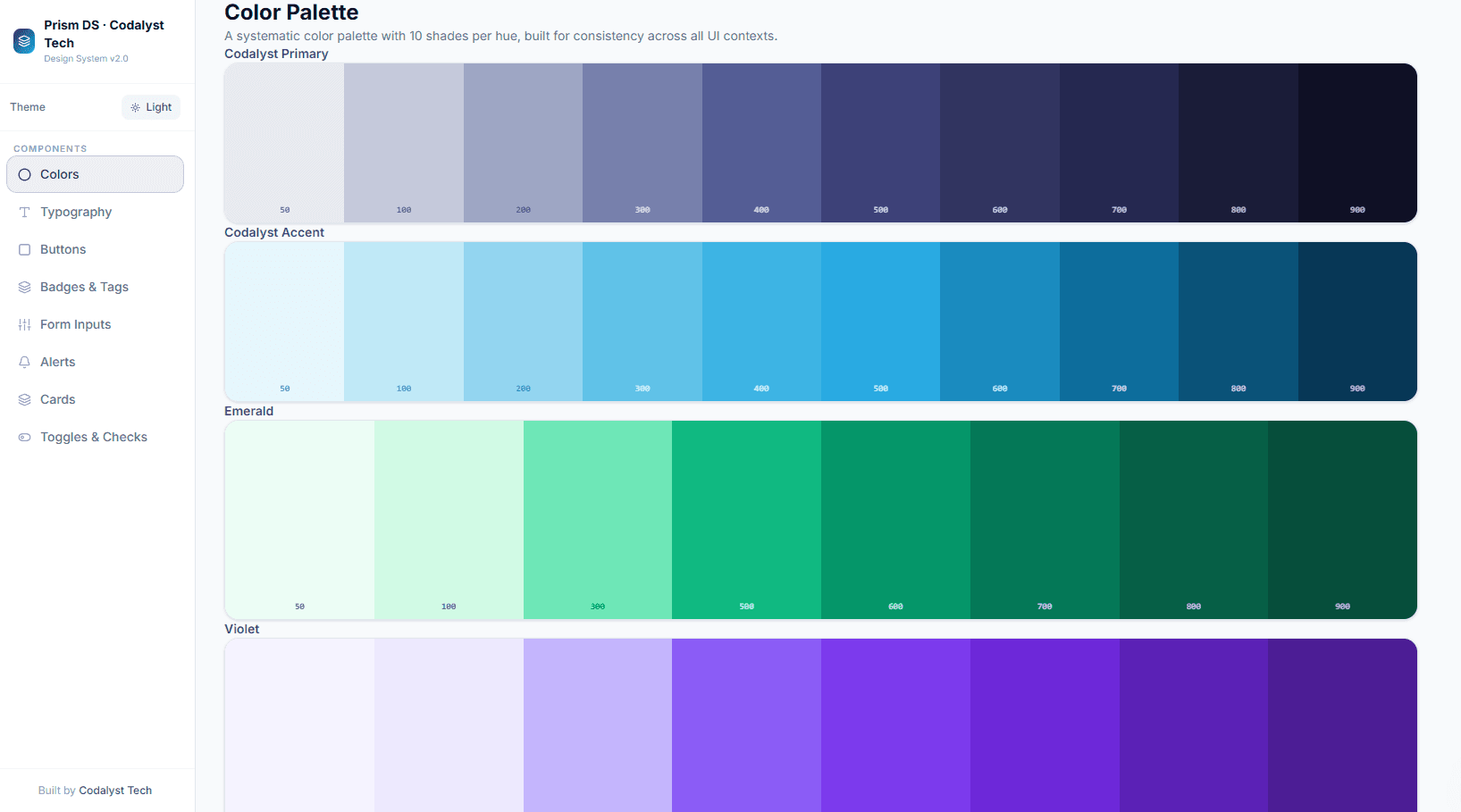
8 categories
Component sections
Dark + Light
Theme modes
What needed solving
Product teams need a shared visual language , consistent colours, type scale, component states, and interaction patterns , documented in a living, interactive reference rather than a static Figma file.
How we approached it
A comprehensive design system showcase covering the full Codalyst Tech design language: colour palette with all shades, typography scale, button variants and states, badge types, form inputs with validation states, alert patterns, card layouts, and toggle/checkbox components , all interactive.
How we built it
Prism is a sidebar-navigated single-page app where each design system section is a React component mounted in the main content area. Navigation state is managed with a simple activeSection string in component state rather than URL routing, keeping the demo fully self-contained and eliminating route-transition overhead for what is fundamentally a document-navigation pattern. All section components are pre-loaded, so switching sections is instant.
The colour swatch grid is one of the more technically interesting sections. Each swatch renders its hex value alongside a contrast-appropriate label (black or white) calculated at render time using the relative luminance formula — so dark swatches get white labels and light swatches get black labels, automatically, without any per-swatch specification. This mirrors how production design tokens work in systems that use automated WCAG contrast checking.
Dark mode applies to every component simultaneously via a CSS class on the root wrapper, with all colour values defined as CSS custom properties. Switching from light to dark is a single class toggle that cascades through all eight component sections at once, demonstrating how a properly structured design system handles theming at scale rather than per-component overrides.
What we delivered
A living design system demo that prospective clients can use to understand the visual quality, consistency, and craft we bring to every component we build.
8 component sections fully documented and interactive
Dark mode applied consistently across all components
Copy-able class examples for every pattern
Full colour palette with primary, semantic, and neutral scales
Technologies Used
See it live
This is a fully interactive demo, not a static mockup. Click around, try all the features.
Open Prism Demoprism.codalyst-tech.com
More Work
Other products we've built
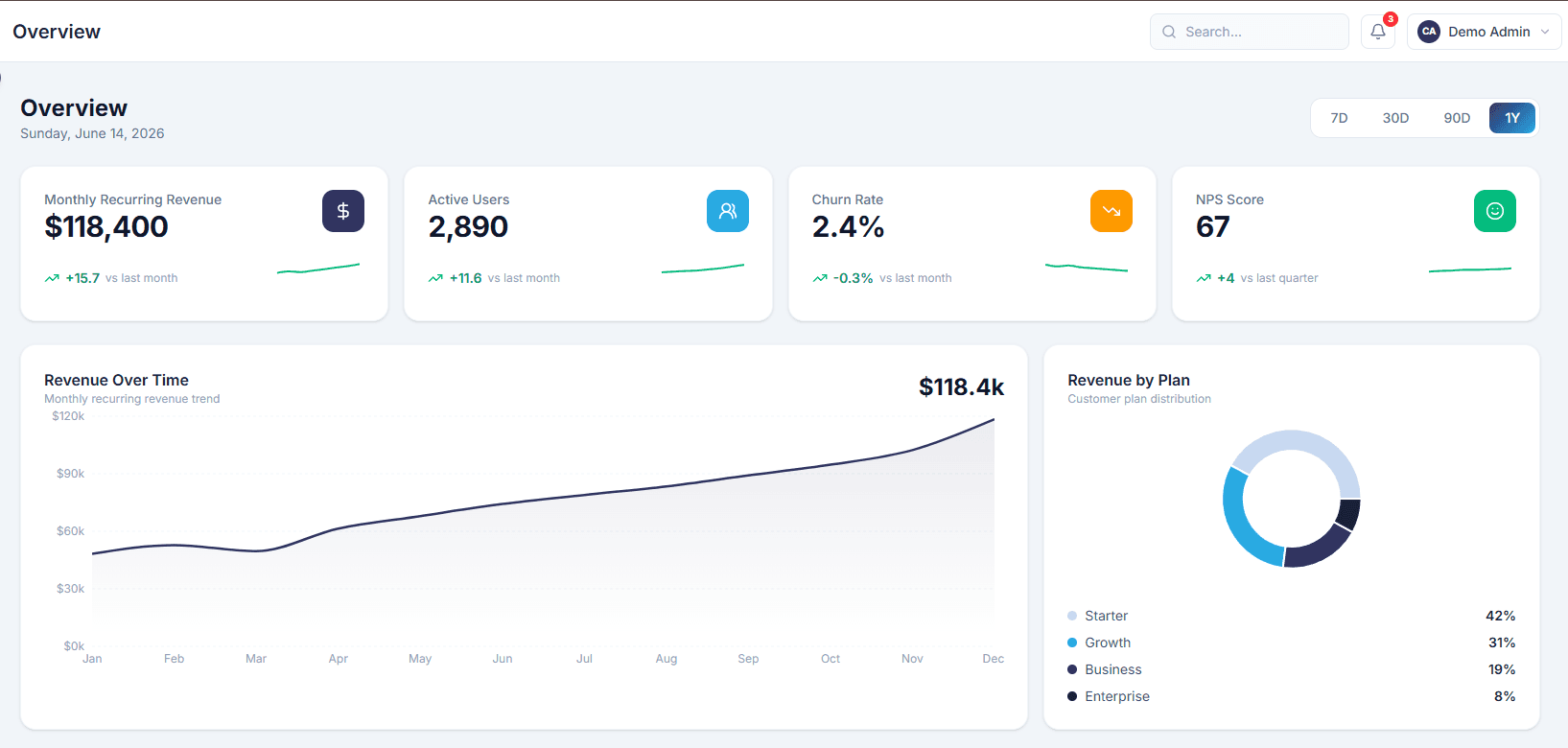 SaaS Product
Analytica
SaaS analytics dashboard with real-time metrics, revenue tracking, and user management
View case study
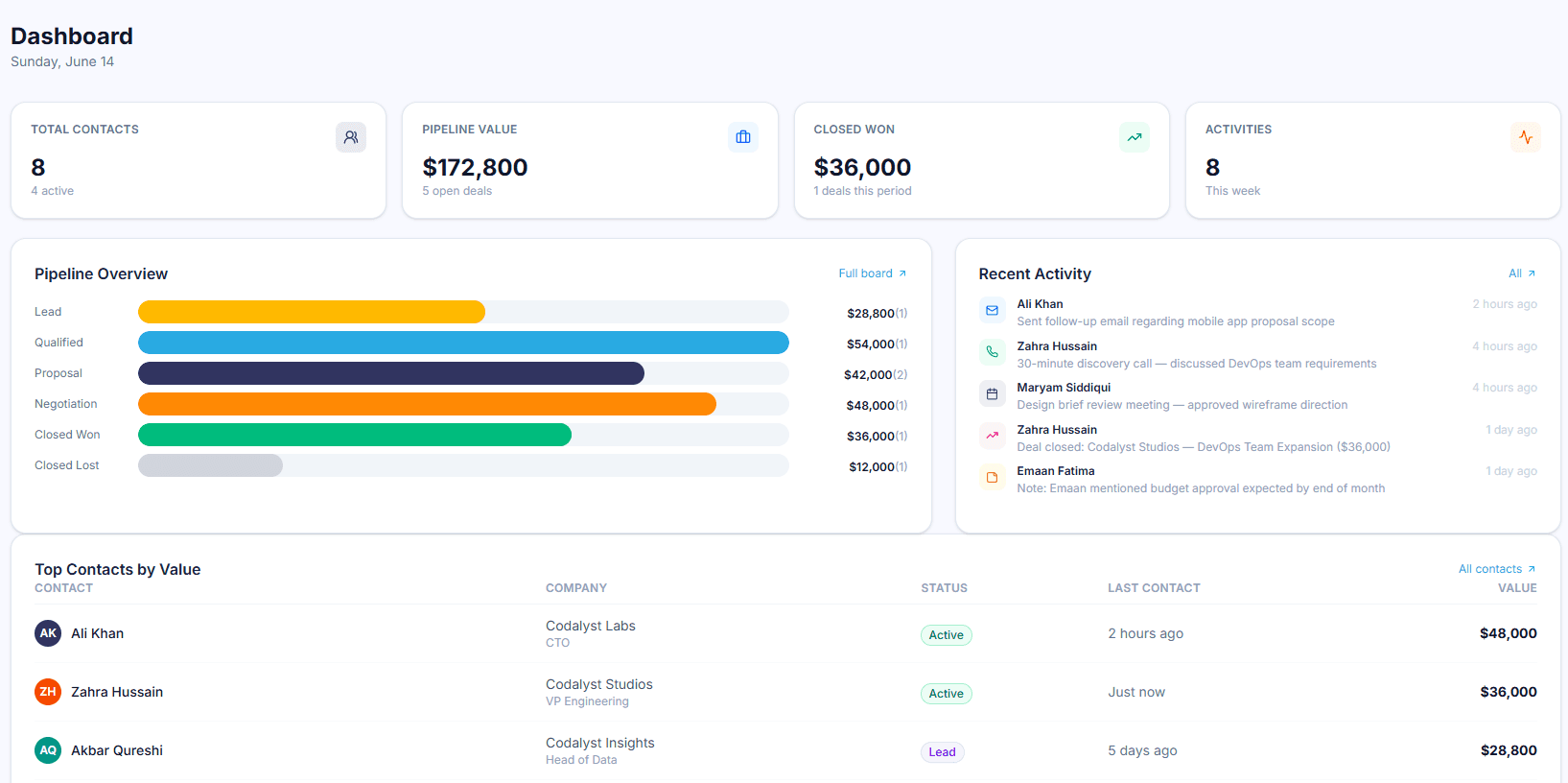 Business Tool
Orbit CRM
Client relationship manager with deal pipeline, contacts, and activity tracking
View case study
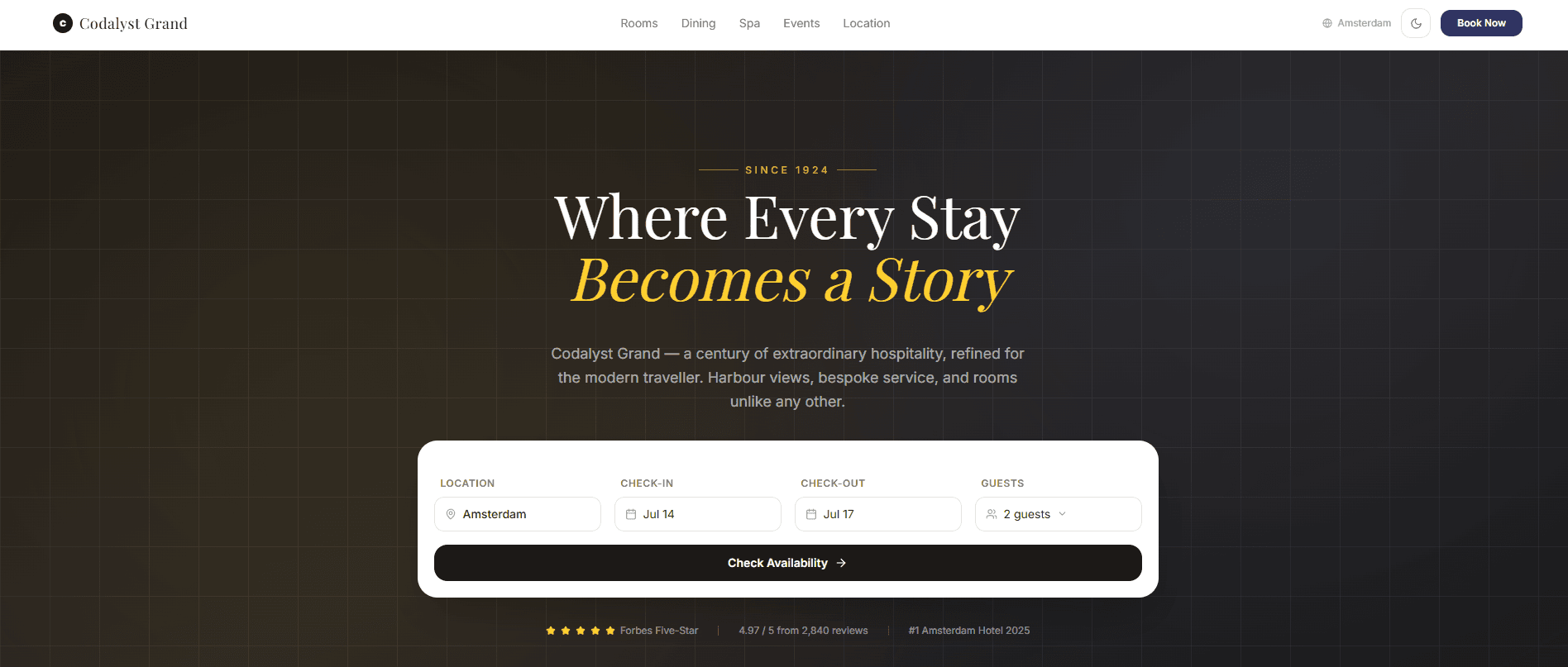 Hospitality
Luxe
Luxury hotel booking platform with room filtering, booking flow, and confirmation
View case study
Want Something Like This?
We build production-quality products for clients worldwide: SaaS dashboards, POS systems, AI tools, and more.